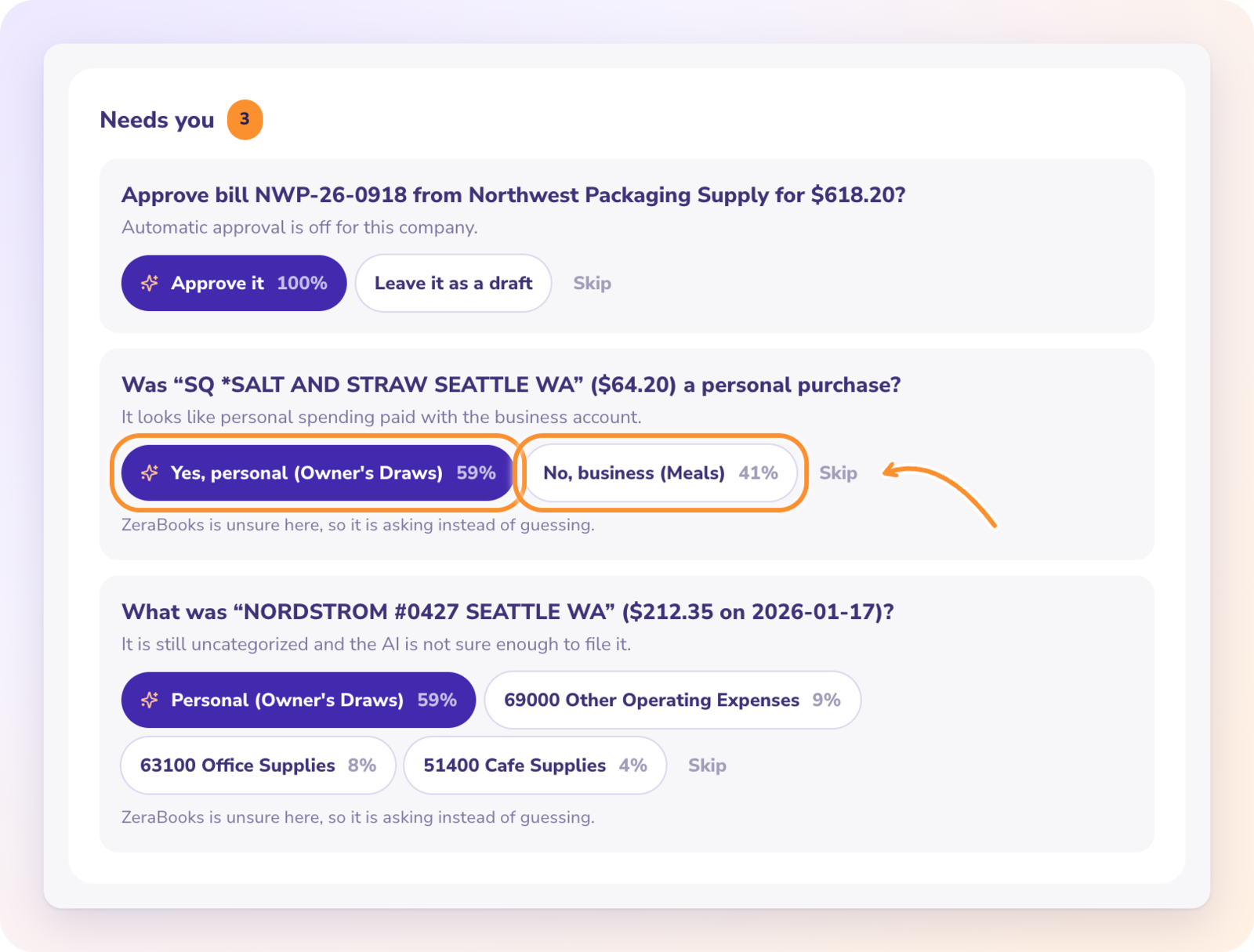
AI bookkeeping software can read statements and categorize most transactions, but a person still has to check the month before it is closed: that every statement ties to its printed balances, that transfers, card payments, loan principal and owner's draws stayed off the profit and loss, and that tax payments, cash and mixed merchants were asked about, not guessed.
This repo is that review, as a checklist, a tracker, a vendor rules file and a small script that applies the rules and lists what is left for a person.
| File | What it is |
|---|---|
checklist.md |
The review in five parts, with tick boxes: statements, lines that are not income or expense, lines the software should have asked about, what the software did on its own, and closing. |
review-tracker.csv |
The same 23 checks, one row each, with Owner, Done and Notes columns. Save a copy per client per month. |
vendor-rules.csv |
A sample rules file for one fictional business: text to match, direction, account, type, whether a person must look every time, and a note. |
sample-statement-2026-09.csv |
Twelve fictional checking lines from September 2026 for Ridgeline Landscaping, a sole proprietor, as they came off the statement. |
sample-reviewed-2026-09.csv |
The same twelve lines after review, each with its account and how you know. |
apply_rules.py |
Applies the rules file to a statement CSV, writes the categorized file and prints what needs a person. Python 3, standard library only. |
All figures are fictional.
-
After the software has categorized the month, open
checklist.md(or copy it into a task or issue) and work through it in order. -
Keep your own
vendor-rules.csv. Every time you correct a recurring merchant, add a row. Mark Review as yes for anything that needs a person every time, such as tax payments and loans. -
To see what your rules leave for a person on a new statement:
python3 apply_rules.py sample-statement-2026-09.csv vendor-rules.csv --out categorized.csvOn the sample, 5 lines are categorized by rule and 7 need a person: the deposit, the loan payment, the IRS payment, the Amazon order, a check, an ATM withdrawal and a Target purchase.
Of the 9,897.81 that left Ridgeline's checking account in September, only 2,319.47 is a business expense on the profit and loss (materials 1,140.00, contract labor 650.00, supplies 89.47, repairs 425.00, bank fee 15.00), plus the interest inside the 731.00 loan payment.
| Type | Money out |
|---|---|
| Transfers to savings and to the card | 3,284.16 |
| Owner's draws (estimated tax and household shopping) | 3,263.18 |
| Profit and loss expenses | 2,319.47 |
| Loan payment, interest still to split out | 731.00 |
| ATM withdrawal, waiting on the owner | 300.00 |
| Total | 9,897.81 |
Dumping the whole pile into one expense account would overstate September's costs by up to 7,578.34. That is why the checks in part 2 come before anything else.
Only if something checks it. Every statement should add up to its printed balances, every month should tie to the bank, and the software should ask when it isn't sure instead of guessing. Even then, someone has to answer what a payment was for and sign off the numbers.
Overwrite a category a person chose, delete a possible duplicate, change a closed month, move money, or decide what a tax payment was for. Ask your software which of these it does, and check the log of what it changed.
Rules work but need upkeep: when a merchant changes how it shows on the statement the rule stops matching, and a loose rule can file the wrong lines without anyone noticing. Keep the rules file short and review it each quarter.
How AI bookkeeping works inside a double-entry ledger: AI bookkeeping. The full worked pile: How to categorize uncategorized transactions.
The content and data in this repository are licensed under
CC BY 4.0. The code (apply_rules.py) is licensed under
MIT.
Maintained by ZeraBooks.