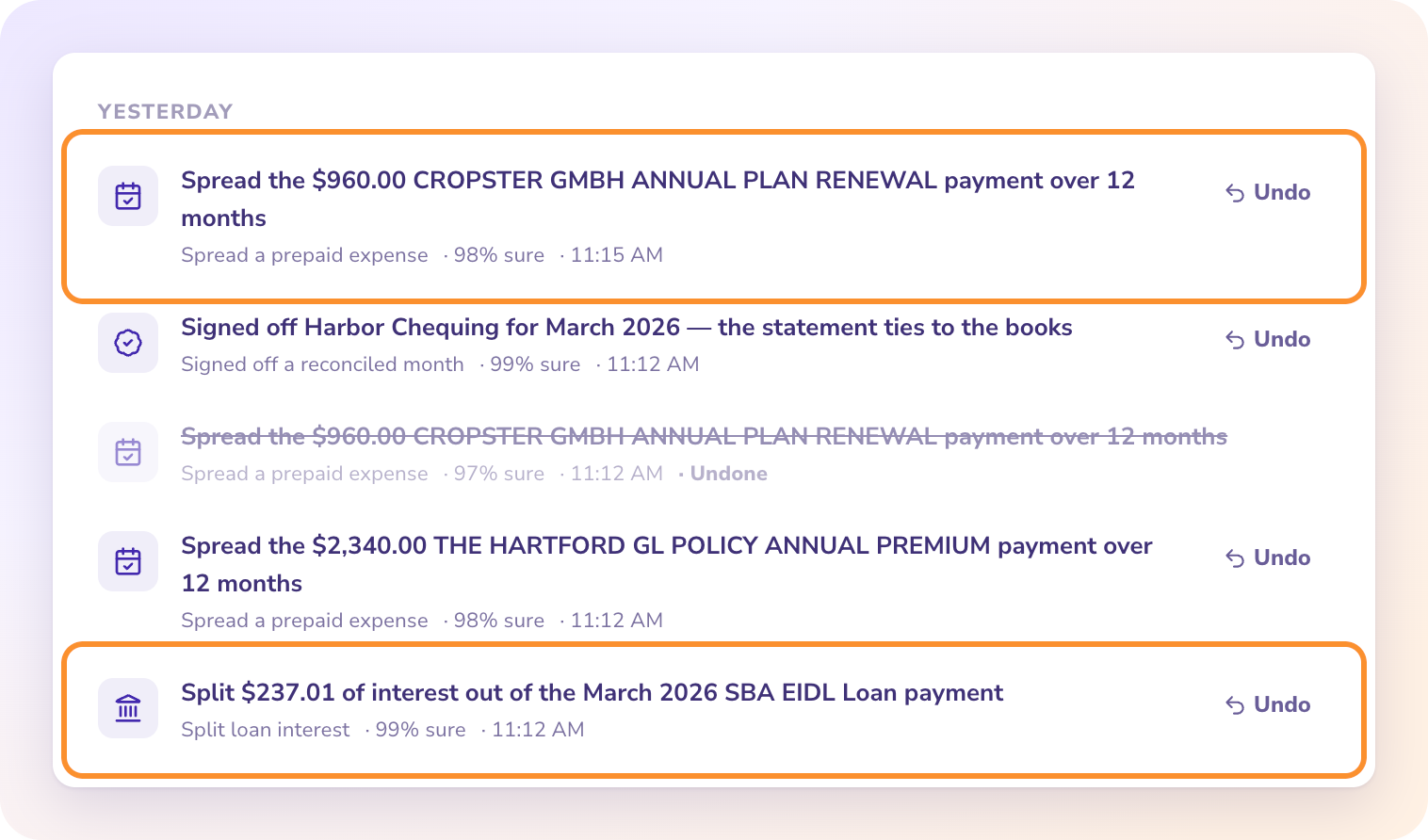
The month-end entries an accountant drafts for every client are the ones a bank statement can't show: depreciation, prepaid costs spread over the months they cover, and the interest part of a loan payment. Drafted from a schedule with the calculation in the memo, each one can be reviewed without opening a separate workpaper.
| File | What it is |
|---|---|
schedule.csv |
One row per recurring entry: fixed assets to depreciate, prepaid costs to spread and loans to split. Fictional sample rows. |
draft_entries.py |
Reads the schedule and drafts the entries for one month, with the math in each memo. Checks that debits equal credits. Python 3, standard library only. |
sample-output-2026-10.csv |
What the script drafts for October 2026 from the sample schedule: five entries, 1,395.00 each side. |
client-questions-log.csv |
A log for the questions only the client can answer (personal or business, what a transfer was for), with the answer and where it was booked. |
-
Replace the sample rows in
schedule.csvwith the client's own:depreciation: cost in Amount, salvage value, useful life in Months and the first month in Start (YYYY-MM).prepaid: the amount paid, the months it covers and the first month.loan_interest: the balance at the start of the month from the loan statement and the annual rate. Update the balance each month.
-
Draft the month:
python3 draft_entries.py schedule.csv 2026-10 entries-2026-10.csv -
Review each entry against its memo, then post it in your ledger.
Each month is rounded to the cent and the last month takes the remainder, so a 36,000.00 van depreciated over 60 months adds up to exactly 36,000.00.
| Entry | Calculation | Amount |
|---|---|---|
| Delivery van | (36,000.00 - 0.00) / 60 | 600.00 |
| Espresso machine | (9,000.00 - 1,800.00) / 48 | 150.00 |
| Insurance policy | 4,800.00 / 12 | 400.00 |
| Software subscription | 1,140.00 / 12 | 95.00 |
| Equipment loan interest | 25,000.00 x 7.2% / 12 | 150.00 |
| Total | 1,395.00 |
All figures are fictional.
The entry assumes the whole loan payment was posted to the loan account when the bank statement was categorized. It moves the interest out: debit interest expense, credit the loan. If the lender's statement shows a different interest figure, because it counts actual days, use the lender's figure. Only the interest is an expense; the principal pays down the loan.
That is a policy choice. A common one is a full month in the month the asset goes into service. Whatever you pick, use it for every asset and set Start to match.
A 12-month insurance policy paid in July covers July to June. Spreading it puts each month's share in that month, so the P&L for one month isn't hit by a year's cost.
Anything you can't tell from the statement alone. Ask once, write down the answer and where you booked it, and the same vendor won't need asking next month.
Accounting software for accountants on ZeraBooks, and the ZeraBooks month-end close checklist.
The content and data in this repository are licensed under
CC BY 4.0. The code (draft_entries.py) is licensed under
MIT.
Maintained by ZeraBooks.