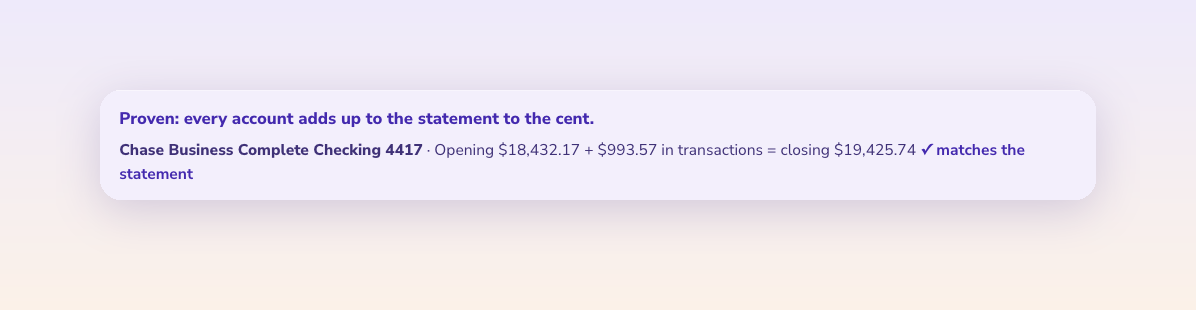
A converted bank statement is complete only when the opening balance plus
every transaction equals the closing balance the bank printed, to the cent.
check_balance.py checks that, walks the running balance row by row, and
tells you the first row where it breaks and whether a sign is flipped or a
line is missing.
A bank statement converter turns a PDF statement into rows of date, description and amount. Most of the ways that goes wrong (a dropped line, a deposit read as a withdrawal, one misread digit) leave the totals off by a specific amount. This script finds that amount and points at the row.
| File | What it is |
|---|---|
check_balance.py |
The checker. Python 3, standard library only. Reads Amount (money out negative) or Money In and Money Out columns, plus an optional Balance column. |
sample-ties.csv |
A fictional September 2026 business checking statement: opening 4,210.55, five rows, closing 5,622.13. It ties. |
sample-sign-flip.csv |
The same month with the payroll payment read as money in. |
sample-missing-line.csv |
The same month with the payroll payment left out. |
All figures are fictional.
-
Convert the statement to CSV with a header row:
Date,Description,Amountand, if the statement prints one,Balance. SeparateMoney InandMoney Outcolumns work too. -
Run it with the opening and closing balances printed on the statement:
python3 check_balance.py sample-ties.csv --opening 4210.55 --closing 5622.13 -
If there is a Balance column you can leave out
--opening; the script works it out from the first printed balance. -
Exit code 0 means it ties. Exit code 1 means it doesn't, so the script can sit in a batch job and stop bad files before they are imported.
On sample-sign-flip.csv:
Running balance breaks at line 4 (09/12/2026, ACH payment, payroll provider).
  Printed balance 3,842.13, worked out 8,078.97, off by 4,236.84.
  Likely cause: the sign on this row looks flipped: it should be -2,118.42.
On sample-missing-line.csv:
Running balance breaks at line 4 (09/19/2026, Card settlement deposit).
  Printed balance 5,654.13, worked out 7,772.55, off by 2,118.42.
  Likely cause: a line of -2,118.42 is missing between 09/05/2026 and 09/19/2026, ...
| Gap against the printed balance | Usual cause |
|---|---|
| Exactly twice one row's amount | That row's sign is flipped, money in read as money out or the other way round |
| The amount of a real transaction | That line was dropped, often at a page break or a section heading |
| A small amount that divides by 9 | Two digits swapped on one row, such as 1,650.00 read as 1,560.00 |
| Any other amount | One amount misread by that much; compare the rows since the last good balance with the PDF |
For the tied sample: 4,210.55 + 3,400.00 - 1,650.00 - 2,118.42 + 1,812.00 -
32.00 = 5,622.13. In a spreadsheet, put the opening balance in a cell and
compare opening + SUM(Amount) with the printed closing balance. A result of
0.00 means every row arrived.
The closing balance tells you something is wrong. The running balance tells you where. Two errors can also cancel out at the end of the month and still show up in the middle.
The same idea with different words: previous balance plus charges minus payments and credits equals the new balance. Put charges as negative amounts and payments as positive, and the script works on the card's balance owed.
Yes. Leave the Balance cell blank where the statement leaves it blank. The script checks at each row that has one.
The full method, with what a converted statement looks like: Bank statement converter. Column layouts for each accounting package: statement-to-csv-spec.
The content and data in this repository are licensed under
CC BY 4.0. The code (check_balance.py) is licensed under
MIT.
Maintained by ZeraBooks.