To reconcile a month from a PDF bank statement, check the statement against its own printed balances first, then match it to your ledger and list what hasn't cleared. This worksheet does both checks in one CSV: the first catches a bad extraction, the second ties the bank's closing balance to your book balance to the cent.
Check 1, the statement against itself. Printed opening balance + deposits − withdrawals must equal the printed closing balance. You do this on the lines you typed or converted out of the PDF, before anything goes into the books. If it's off, a line is missing, doubled or has the wrong sign, and no amount of matching later will fix it.
Check 2, the bank against the books. Printed closing balance + deposits in transit − outstanding checks must equal the book balance for that account on the statement date. This is the classic bank reconciliation, and it only means something once check 1 passes.
A fictional landscaping company's September 2026 business checking statement, nine lines. Check 1: 12,406.18 + 8,189.55 − 7,075.69 = 13,520.04, the printed closing balance. Check 2: 13,520.04 + 1,200.00 − 650.00 = 14,070.04, the balance in the ledger.
| Section | Date | Description | Amount | Note |
|---|---|---|---|---|
| Printed | 2026-08-31 | Opening balance (printed on statement) | 12,406.18 | |
| Statement line | 2026-09-02 | Customer deposit - Hale residence | 2,850.00 | |
| Statement line | 2026-09-05 | ACH payroll provider | -4,118.42 | |
| Statement line | 2026-09-09 | Card - Ferguson supply | -612.37 | |
| Statement line | 2026-09-12 | Mobile deposit | 1,975.00 | |
| Statement line | 2026-09-16 | Check 2038 | -900.00 | |
| Statement line | 2026-09-19 | Loan payment - equipment note | -1,240.00 | |
| Statement line | 2026-09-23 | Stripe transfer | 3,364.55 | |
| Statement line | 2026-09-26 | Card - fuel | -188.90 | |
| Statement line | 2026-09-30 | Monthly service fee | -16.00 | |
| Printed | 2026-09-30 | Closing balance (printed on statement) | 13,520.04 | |
| Check 1 | Opening + deposits - withdrawals | 13,520.04 | Must equal printed closing: difference 0.00 | |
| Outstanding | 2026-09-30 | Deposit in transit - Okafor job | 1,200.00 | In books, not on statement yet |
| Outstanding | 2026-09-28 | Check 2041 not yet cleared | -650.00 | In books, not on statement yet |
| Check 2 | Book balance per ledger | 14,070.04 | Closing + deposits in transit - outstanding checks |
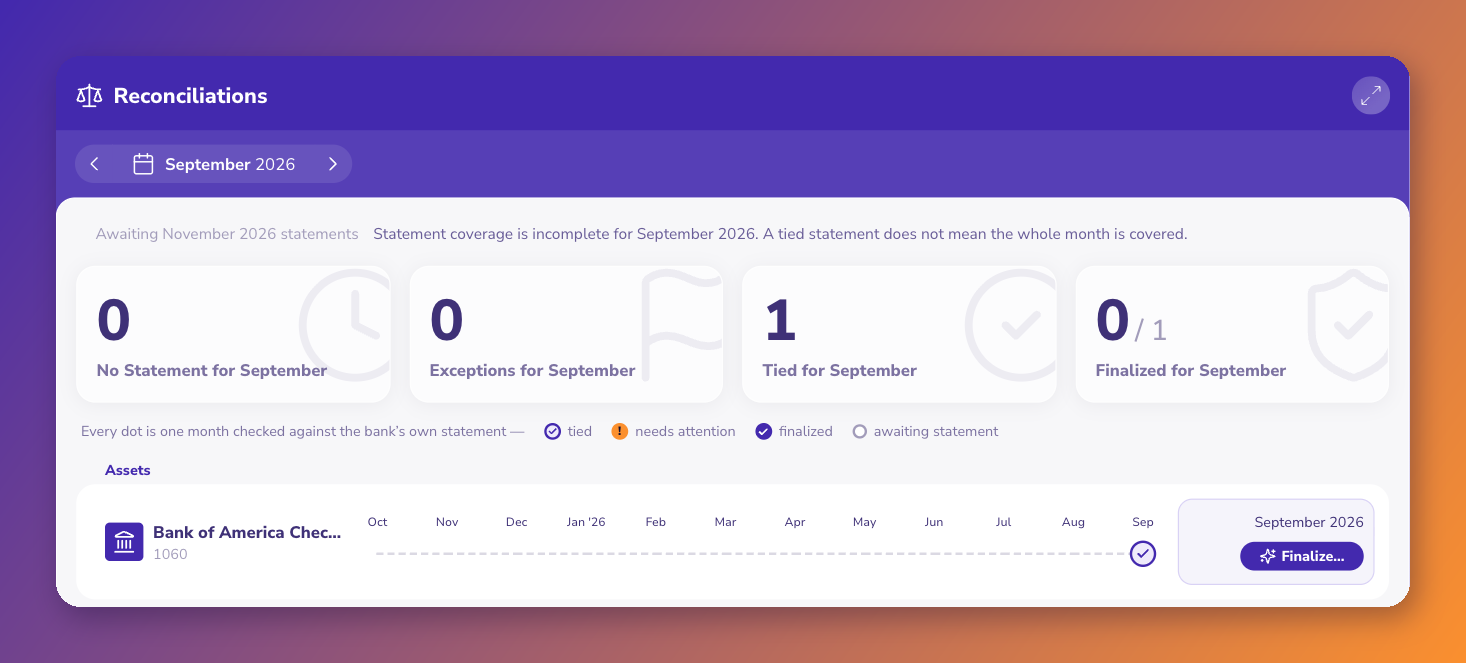
ZeraBooks runs check 1 on every statement you upload, to the cent, and flags one that doesn't tie instead of posting it. Then it posts the lines and ties the month. More on bank reconciliation software; related files: Statement balance check and Reconciliation examples.
Stop and fix the extraction before you touch the books. A difference usually means one line was dropped, read twice, or read with the wrong sign, and the size of the difference points at it: a flipped sign leaves twice the amount, a missing line leaves exactly that amount.
Anything recorded in your books that the bank hasn't processed by the statement date: a check that hasn't cleared, or a deposit made on the last day that posts next month. They explain the gap between the bank's closing balance and your book balance.
Yes. Treat purchases as withdrawals and payments as deposits. The printed new balance plays the part of the closing balance, and the printed previous balance is the opening balance.
Yes. ZeraBooks checks every uploaded statement against its printed opening and closing balance to the cent, flags one that doesn't tie, posts the lines and ties the month in Reconciliations. It works from uploaded statements; it has no live bank feeds.