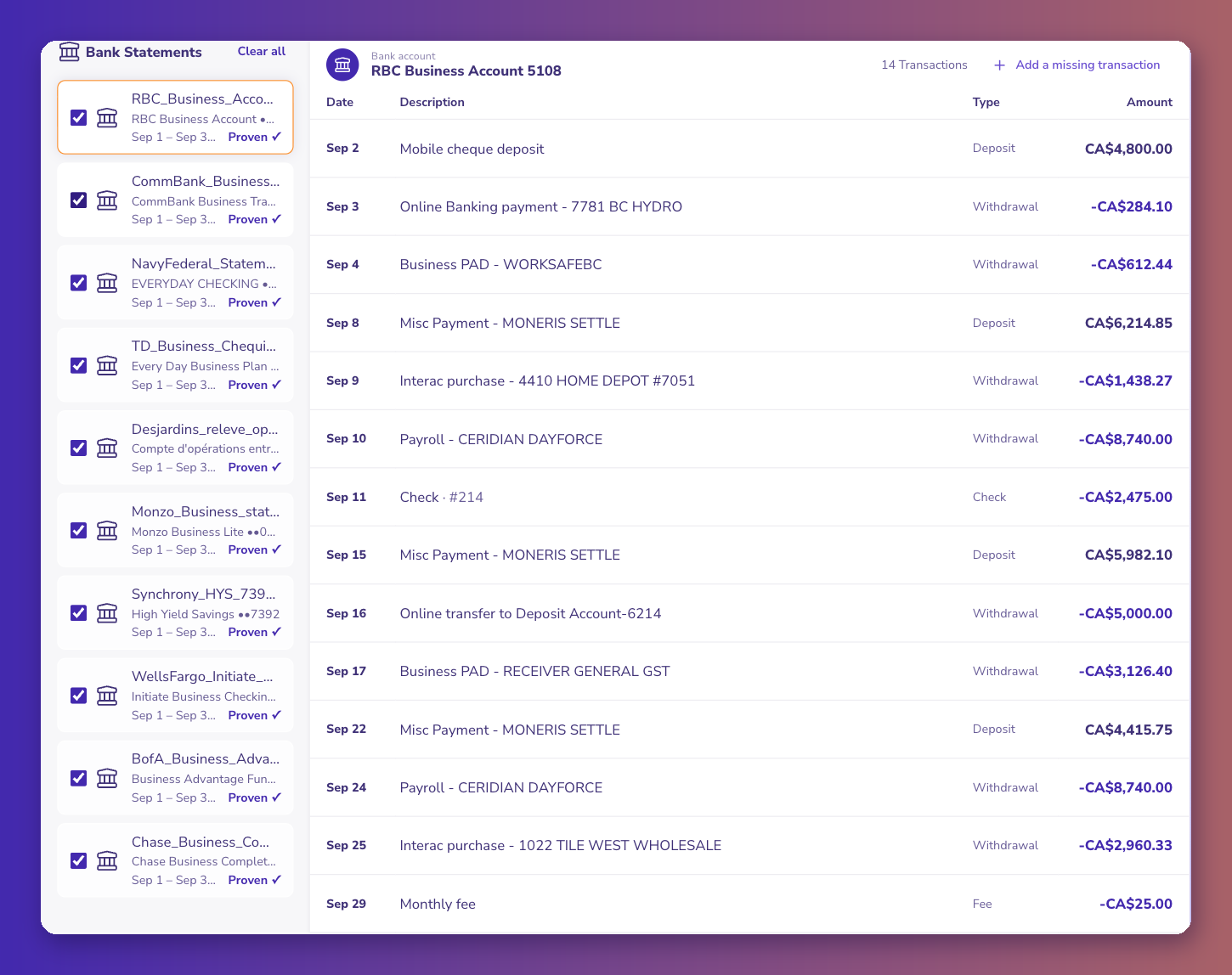
Regions, Truist, Huntington, Citizens and Fifth Third each split a month differently. Some sort activity by kind, others put the direction in the headings or use two amount columns. This dataset lists what each bank typically prints and what breaks when the PDF becomes rows, with the arithmetic that catches each problem. ZeraBooks runs the same checks and proves every converted statement against its printed balances.
| Bank | Part | How it typically prints | What breaks | Check that catches it |
|---|---|---|---|---|
| Regions | Where the PDF is | Online Statements from the Accounts menu opens Online Statements & Documents, filtered by document type and year; check images and other enclosures sit on a separate Enclosures tab | Enclosures downloaded with the statement and treated as more pages to convert | Convert the statement only; its Checks section already lists every check paid |
| Regions | Summary | Typically Beginning Balance, Deposits & Credits, Withdrawals, Fees, Automatic Transfers, Checks, Ending Balance | Five detail sections pasted in section order, so no running balance ever works | Beginning + Deposits & Credits - Withdrawals - Fees - Automatic Transfers - Checks = Ending |
| Regions | Signs | Amounts print without a sign; the section heading says which way the money moved | Sections combined and every withdrawal reads as a deposit | Each section total matches its summary line once the sign comes from the section |
| Regions | Statement period | Written out, such as September 1, 2026 through September 30, 2026; detail dates are short | Rows on a December to January statement get the wrong year | Year taken from the period line |
| Regions | Web Connect | Free Web Connect files for Quicken and QuickBooks, transactions for the dates picked | No beginning or ending balance, so a missing row can go unnoticed | Use the PDF when the month has to be proven |
| Truist | Columns | In a copy we have seen: Date, Check #, Transaction Description, Details, Credits, Debits, Balance | Credits and Debits are both positive, so a pasted SUM means nothing | Beginning + Credits - Debits = Ending, and each row agrees with the printed Balance beside it |
| Truist | Details text | Extra text such as the ACH company name printed under the transaction | Pasted as a row of its own with no date and no amount | A line with no amount belongs to the description above it |
| Truist | Account Analysis statement | A separate statement for many business accounts explaining the prior period's service charges and any earnings credit, posted after the fifth business day | Fee detail imported as transactions, so the charge is counted twice | Only the Service Charges - Prior Period line on the checking statement is a row |
| Truist | Account history download | Up to 18 months of transactions, usually no balances | Nothing to prove the list against | Use the statement PDF from Documents |
| Truist | Older statements | Truist formed from BB&T and SunTrust, merger effective December 6, 2019; older statements carry those names | Old statements set aside as the wrong bank | Convert them as they are; the printed bank name doesn't change the proof |
| Huntington | Direction in the headings | Huntington's own sample statement prints Credits (+), Debits (-) and Total Fees (-) in the summary and Deposit / Credit Activity (+) as a heading | The (+) or (-) stays behind in the heading when rows are copied | Beginning + Credits - Debits - Total Fees = Ending |
| Huntington | Fees | Fees on their own summary line, apart from debits | A fee counted once as a debit and again as a fee | Debits and fees each tie to their own summary line |
| Huntington | Average and Low Balance | Average Balance and Low Balance printed in the summary | Read as amounts that moved | They describe the month; only activity rows count |
| Huntington | Other pages | Typically a Relationship Summary of every account up front and a Balance Activity grid of dated balances | Balances from other accounts or the grid imported as rows | Rows come from the activity sections only |
| Citizens | Which Citizens | Citizens Bank, N.A., Providence, Rhode Island; not Citi, First Citizens or Citizens Business Bank | Download steps followed for the wrong bank | Check the bank name on the PDF before converting |
| Citizens | Balance Calculation | Typically Previous Balance, Checks, Debits, Deposits & Credits, Interest Paid, Current Balance, in that order | Summary order isn't date order | Previous - Checks - Debits + Deposits & Credits + Interest Paid = Current |
| Citizens | Current Balance | The balance at the end of the statement period, not the balance today | Compared with the live balance in online banking and taken as wrong | Current Balance equals the next statement's Previous Balance |
| Citizens | Transaction Details | Activity grouped by kind, with a Withdrawals & Debits subhead and Date, Amount, Description columns | Groups pasted one after another, out of date order | Merge the groups, then sort by date |
| Fifth Third | How far back | 24 months of statements online; Documents on the website, the Statements tab in the 53 Mobile Banking app | A catch-up longer than two years can't be downloaded in one sitting | Chain each ending balance to the next beginning balance; request the older months from Fifth Third |
| Fifth Third | Account Summary | Typically a beginning balance with totals for checks and for withdrawals/debits | Checks counted twice, once in their own total and once as debits | Beginning + Deposits - Checks - Withdrawals/Debits = Ending |
| Fifth Third | Daily Balance Summary | Daily balances on a separate page, not beside each row | A converter fills a running balance the statement never printed, or reads the page as rows | Leave the balance column empty; prove the month on the beginning and ending balance |
Each sample is a fictional business made for this dataset, shown as the converted rows. Every one ties: the beginning balance plus every signed row equals the ending balance the statement would print. All rows are in sample-months.csv.
Nine rows spread over five sections. Section totals: Deposits & Credits 7,418.90, Withdrawals 2,233.48, Fees 12.00, Automatic Transfers 1,854.62, Checks 3,280.00. The proof: 9,872.40 + 7,418.90 − 2,233.48 − 12.00 − 1,854.62 − 3,280.00 = 9,911.20. The 1,104.62 loan transfer is part principal, part interest; the loan statement splits it. Guide: Regions bank statement to Excel.
One table, with a running balance on every line as in the Truist copy we have seen: 7,066.19, 6,453.72, 6,003.72, 8,979.07, 8,947.57, 5,559.45. Credits 4,815.35, debits 4,482.09. The proof: 5,226.19 + 4,815.35 − 4,482.09 = 5,559.45. The 31.50 Service Charges - Prior Period line is August's analysis charge, taken in September. Guide: Truist bank statement to Excel.
Two credits and three debits, with the fee on its own line. The proof, in the order of the summary: 3,941.07 + 3,645.45 − 1,913.89 − 15.00 = 5,657.63. Average Balance and Low Balance are left out of the file. Guide: Huntington bank statement to Excel.
Balance Calculation order: Previous Balance 11,508.26, Checks 1,615.00, Debits 2,214.74, Deposits & Credits 6,132.18, Interest Paid 1.37. The proof: 11,508.26 − 1,615.00 − 2,214.74 + 6,132.18 + 1.37 = 13,812.07, the Current Balance at October 31, which becomes November's Previous Balance. Guide: Citizens bank statement to Excel.
Check 5021 for 1,560.00 is the only check, so checks and withdrawals/debits (3,688.01) stay separate in the summary. The proof: 7,615.92 + 5,567.80 − 1,560.00 − 3,688.01 = 7,935.71. The file has no running balance, because the statement prints daily balances on their own page. Guide: Fifth Third bank statement to Excel.
ZeraBooks Convert reads each page as an image and takes the direction of each amount from the section or column it sits in, so money out gets a minus. Every row gets a Type (Deposit, Withdrawal, Fee, Transfer, Check) and its year from the statement period, and check numbers are kept. Summary lines, average balances, daily balance pages and analysis statements stay out of the rows. Then it adds the rows to the beginning balance and compares the result with the ending balance the bank printed, to the cent.
The other big-bank layouts are in the companion datasets: U.S. bank statement layouts (Citi, U.S. Bank, TD Bank, PNC, Amex) and bank statement formats (Chase, Bank of America, Wells Fargo and more). The full method is on the ZeraBooks bank statement converter page.
Regions typically sorts activity into Deposits & Credits, Withdrawals, Fees, Automatic Transfers and Checks, each with its own section and summary total. The amounts print without a sign. Merge the sections in date order with money out as a minus, and the beginning balance plus the rows equals the ending balance.
No. It explains how the prior period's service charges were worked out. The charge itself is one line on the checking statement, described as Service Charges - Prior Period. Convert the checking statement; keep the analysis PDF if you want the fee broken down.
They give the direction of every amount under that heading. Huntington's own sample statement prints Credits (+) and Debits (-) in the summary, with fees on their own Total Fees (-) line. The rows themselves print without a sign, so the sign has to come from the heading.
No. It is the balance at the end of the statement period. It should equal the Previous Balance on the next statement.
Fifth Third says 24 months of account history. Anything older has to be requested from Fifth Third, then converted like any other PDF.
Yes. ZeraBooks Convert reads Regions, Truist, Huntington, Citizens and Fifth Third PDFs, scanned or digital, and proves each account against its printed balances before you download Excel or CSV. Pricing is $79 a month billed annually or $149 monthly for 1,000 pages a month, with a 7-day trial.